
Beat Detection
Cut video to the beat of your music.
Give a montage, product reveal or short a clear rhythm. ShortsJet can analyse the sound in an audio or video clip, mark the detected beats and help you line up clip edges with the music.
Try it in ShortsJet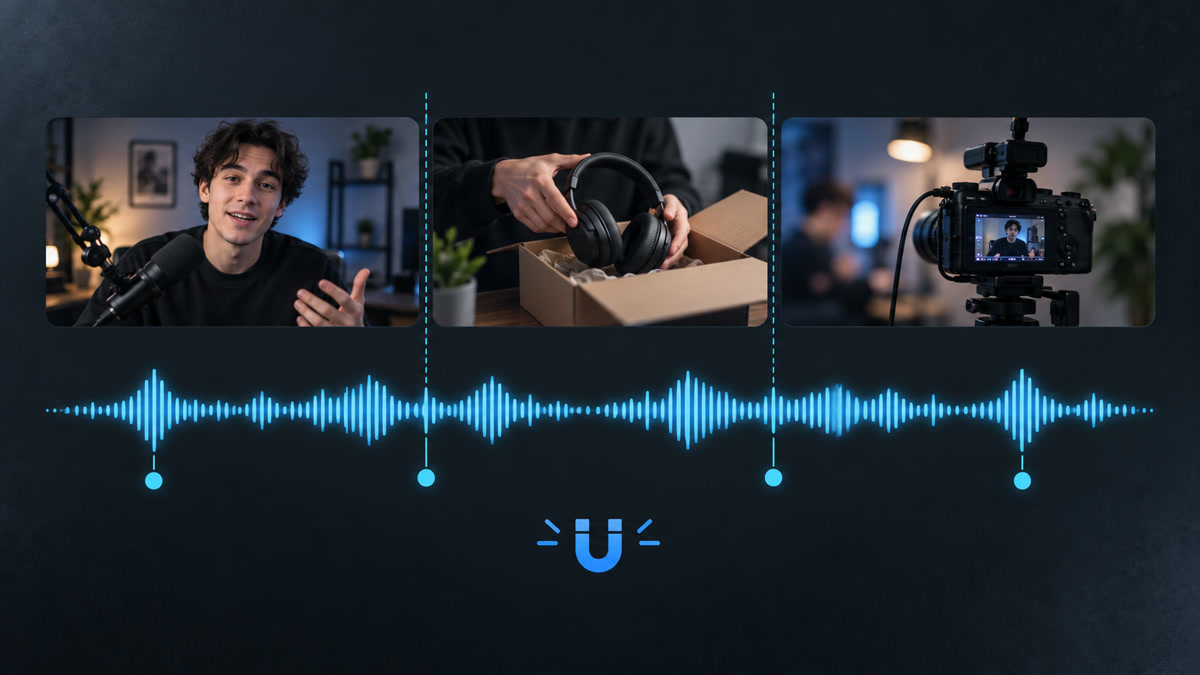
- Local beat analysis
- Editable markers
- Clip-edge snapping
Use the soundtrack as a timing guide
Right-click an audio or video clip and choose Detect beats. The analysis runs locally in the background and places beat markers inside the clip. You can use a dedicated music track or work with audio already attached to a video.
For a short product edit, markers can help you place the change from an unboxing shot to a close-up. In a sports montage, they can guide the transition between a run-up, the main action and a reaction shot.
Snap your clip edges to the rhythm
Turn on Beats in the timeline to enable snapping to existing markers. When you move or trim a clip near a beat in another clip, its beginning or end can snap to that point. The same timing help is available while placing new clips and adjusting speed.
You still choose which shots to use and which beats deserve a cut. Detection creates timing guides; it does not rearrange footage or make edits automatically. Beat snapping works independently of the usual magnet for clip edges and the playhead.
Refine the markers by listening
Music does not always have a strong, regular pulse. A quiet intro or a very short source may give an uncertain result. Drag markers to adjust them, or use the clip’s context menu to add a beat or remove a nearby one. Manual corrections are protected when you analyse the source again.
Preview the sequence with the sound on and decide whether the cut feels right. The markers are editing guides only: they never appear in the exported video.
A CLOSER LOOK
Good to know.
Does beat detection automatically cut my video?
No. It identifies timing markers. You choose the cuts, with snapping available to help align clip edges to the rhythm.
Can I adjust a beat that was detected in the wrong place?
Yes. Move a marker or add and remove beats manually. This is useful for tracks with a weak pulse or an unusual rhythm.
Try it with your next video.
ShortsJet for Windows and Ubuntu Linux. Free for 30 days.