
Transitions
Connect your clips with a transition that fits.
Move from a wide concert shot to a close-up, reveal the next step or soften a change of scene. Five adjustable transitions help you connect shots in performances, tutorials, shorts and reels.
Try it in ShortsJet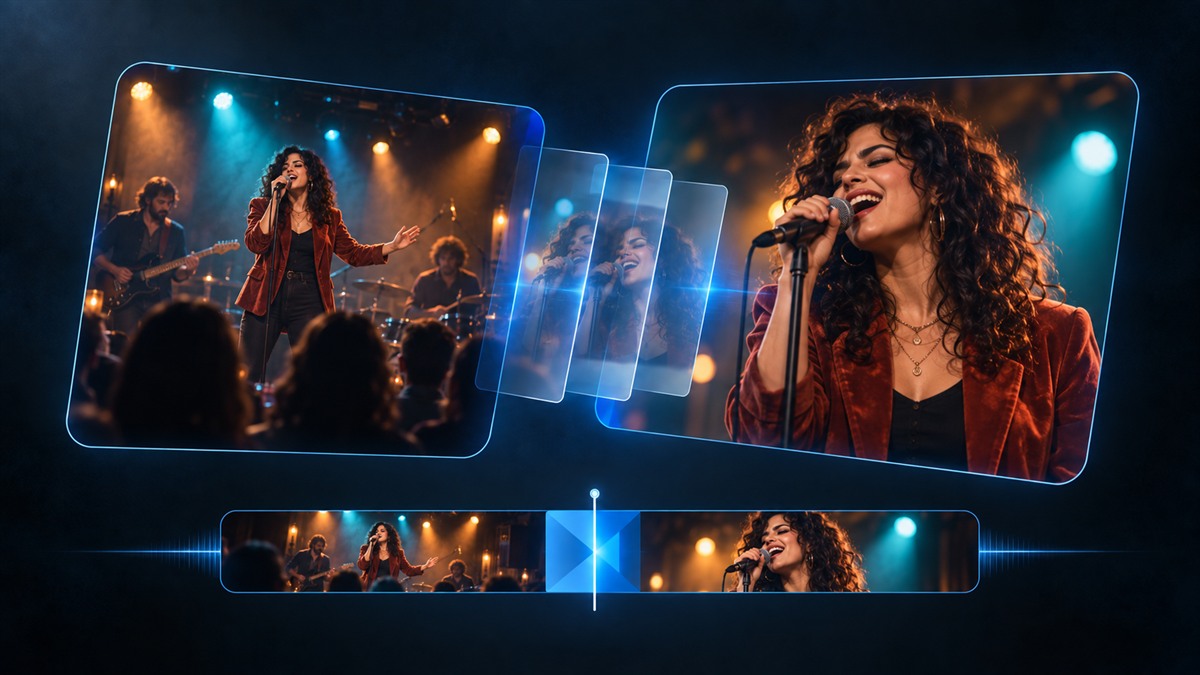
- Five transition types
- Adjustable duration
- Preview at the cut
Choose how one shot becomes the next
Cross Dissolve blends the outgoing picture into the next one. Dip to Color passes through black, white or a colour you choose, giving a change of section a clear pause. Push moves the two pictures across the frame, while Wipe reveals the incoming image in the selected direction.
Zoom blends the shots while zooming, with adjustable strength. A dissolve can connect two angles of a live performance; a wipe can reveal a finished result. Choose the type that helps viewers follow the sequence and preview it with your soundtrack.
Add a transition directly at the cut
Place two clips next to each other on the same visual layer. Drag Transition from Effects onto their shared cut. ShortsJet starts with a Cross Dissolve; click the transition bar to choose a different type in Properties.
Drag either edge of the bar or edit Duration to set the length. The transition stays centred on the cut, and Preview plays that interval so you can judge the timing. Direction is available for Push and Wipe, colour for Dip to Color, and strength for Zoom.
Keep the rest of your edit in place
Adding a transition preserves clip positions and the project’s length. Separate captions and overlays on higher layers stay in place, and your audio timing is preserved. This lets you refine the change of picture after arranging your narration and music.
Transitions are saved with the project and support undo and redo. They follow the cut when you move both connected clips together. Removing a transition keeps both clips. If an edit separates the clips, the transition is removed with that edit and can be restored with Undo.
A CLOSER LOOK
Good to know.
Which video transitions are included?
ShortsJet includes Cross Dissolve, Dip to Color, Push, Wipe and Zoom. Cross Dissolve is the starting type when you add a transition.
Will a transition move my captions or change the video length?
Adding a transition keeps clip positions, audio timing and project length unchanged. Captions and overlays on separate higher layers remain in their own positions.
Can I add a transition across a gap?
The clips must touch on the same unlocked visual layer. Close the gap first. The available transition duration depends on the lengths of the two clips.
Try it with your next video.
ShortsJet for Windows and Ubuntu Linux. Free for 30 days.