

Timeline
Find the perfect cut.
Trim, split and rearrange your clips. Change the pace with speed controls and build up your story across layers.
A timeline that follows your flowExplore TimelineShortsJet helps creators edit YouTube Shorts, TikTok videos and Instagram Reels on Windows, Linux and macOS. Trim clips, add local automatic captions, punch zoom effects and music, then export an MP4.
Try free for 30 days No account. No credit card.

Start here / The whole workflow
Follow the whole process from your first clip to a finished short. A simple workspace, a few easy steps and your own creative style.
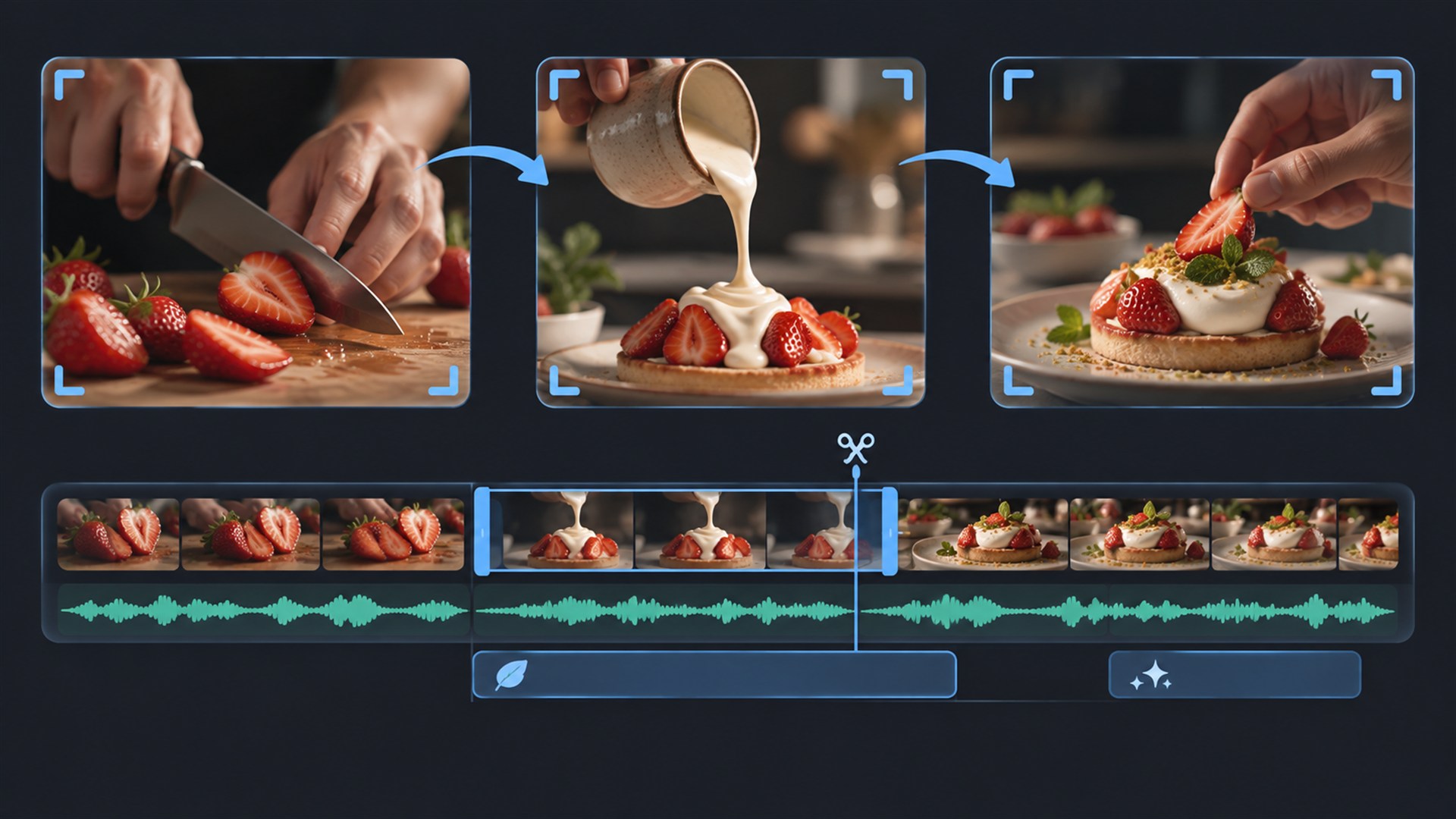
01 / Find your flow
Bring in your clips, keep the good parts and build your edit on a timeline that stays out of your way.

02 / Make every word count
Generate captions on your own computer. Fine-tune the wording, set the style and give your story a voice people can see.

03 / Set the tone
Record a voiceover straight into your timeline and layer it with music. Shape the mix while keeping the picture in view.

04 / Give it your signature
Add a title, animate an overlay or land a punch zoom. Then export your finished edit as a ready-to-share MP4.
From your first clip to a finished short. All in one simple workflow.
SMALL DETAILS. BIG DIFFERENCE.
A focused set of tools for shorts, reels,
tutorials and the next idea in your head.
Trim, split and rearrange your clips. Change the pace with speed controls and build up your story across layers.
A timeline that follows your flowExplore Timeline
Create auto captions with local speech recognition. Edit each line and style the whole group to suit your video.
Powered by Whisper. Runs on your PC.Explore Auto Captions
Record a voiceover directly into the timeline. Layer in music and dial in the volume, fades and timing.
Voice, music and picture in syncExplore Voiceover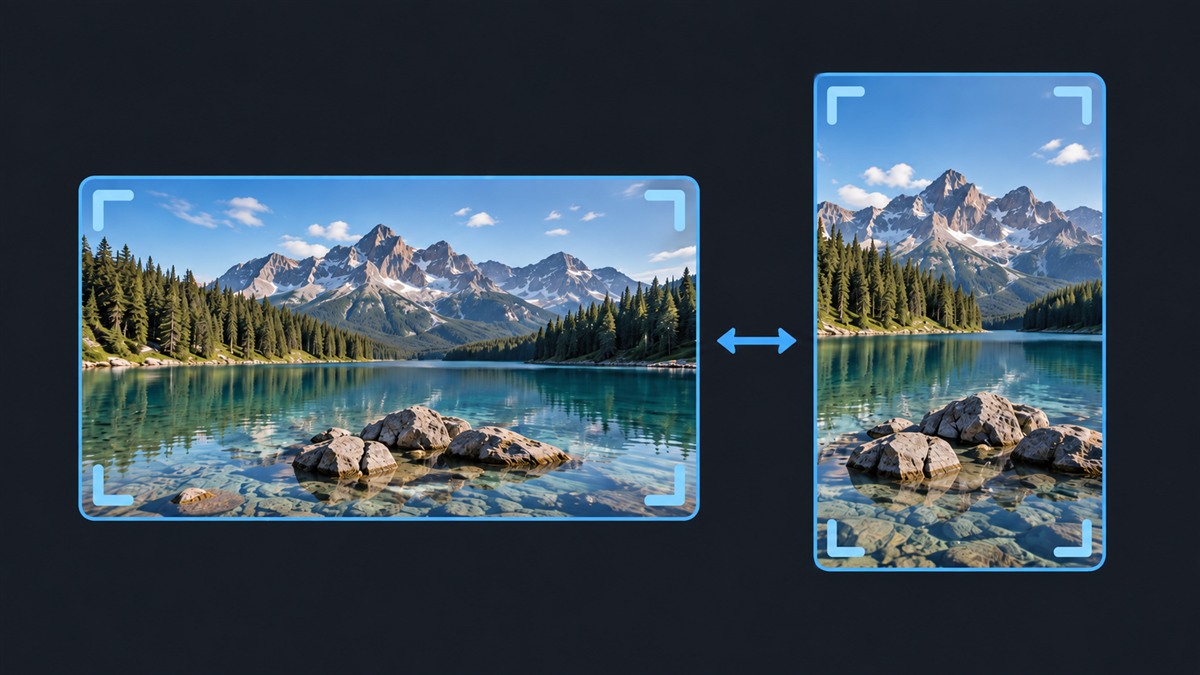
Go vertical for a short or wide for a tutorial. Crop, resize and position your footage without changing the originals.
9:16 and 16:9, in 1080pExplore Video Formats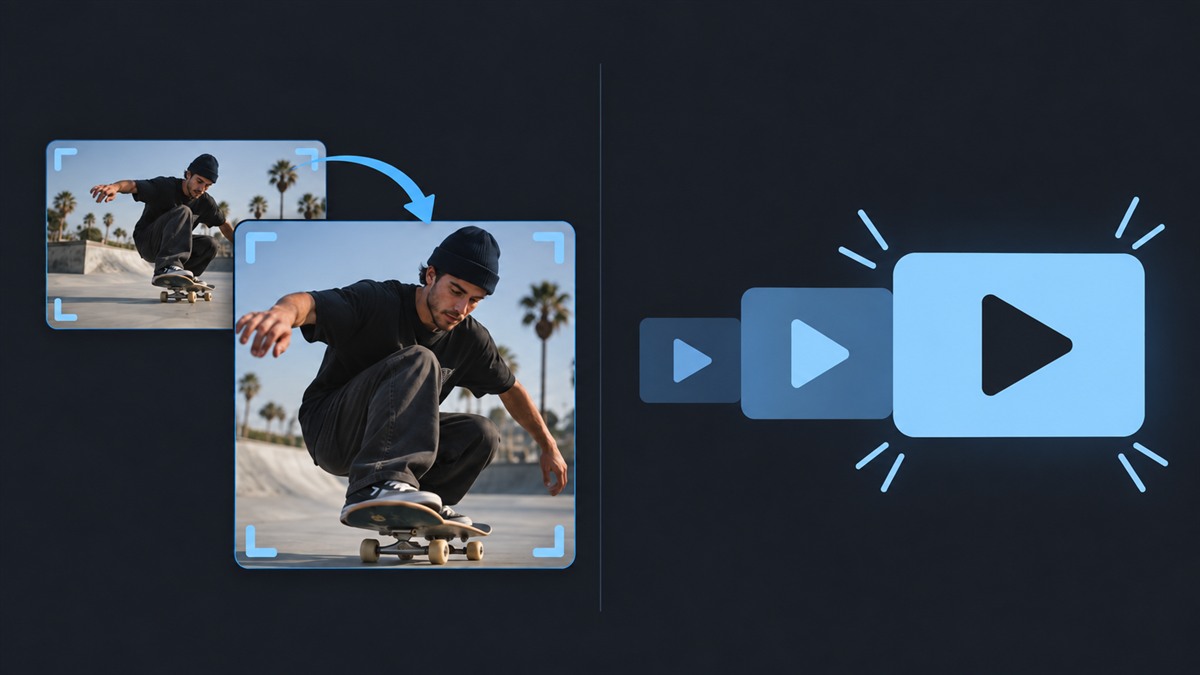
Give titles and shapes a popup animation. Add a punch zoom to draw attention exactly where you want it.
A little motion. A lot of personality.Explore Punch Zoom & Popup
Browse your own media folders and drag your favourite assets into the edit. Save a frame as a PNG title image.
Your library, ready for the next ideaExplore Media Library
Detect beats in your music, then snap clip edges to the markers. Fine-tune the timing and make each cut land.
Local analysis. Your cuts, your call.Explore Beat Detection
Pause on a reaction, a detail or the perfect frame. Insert a still into your clip and drag its edge to set the pause.
Hold the picture. Keep the music moving.Explore Freeze Frame
Drop in a sound effect or a 3D emoji sticker. Add a pop to your titles, a whoosh to your zooms and a reaction to your story.
11 sounds. 40 stickers. Ready to use.Explore Sounds & Emojis
Draw attention with animated arrows, circles, checkmarks and crosses. Set the colour, stroke and drawing speed to make your point.
Hand-drawn motion. Ready to customise.Explore Animated Shapes & Arrows
Capture a screen area straight into your project. Add the screenshot to your timeline, or paste an image from your clipboard.
Capture it. Add it. Explain it.Explore Screen Capture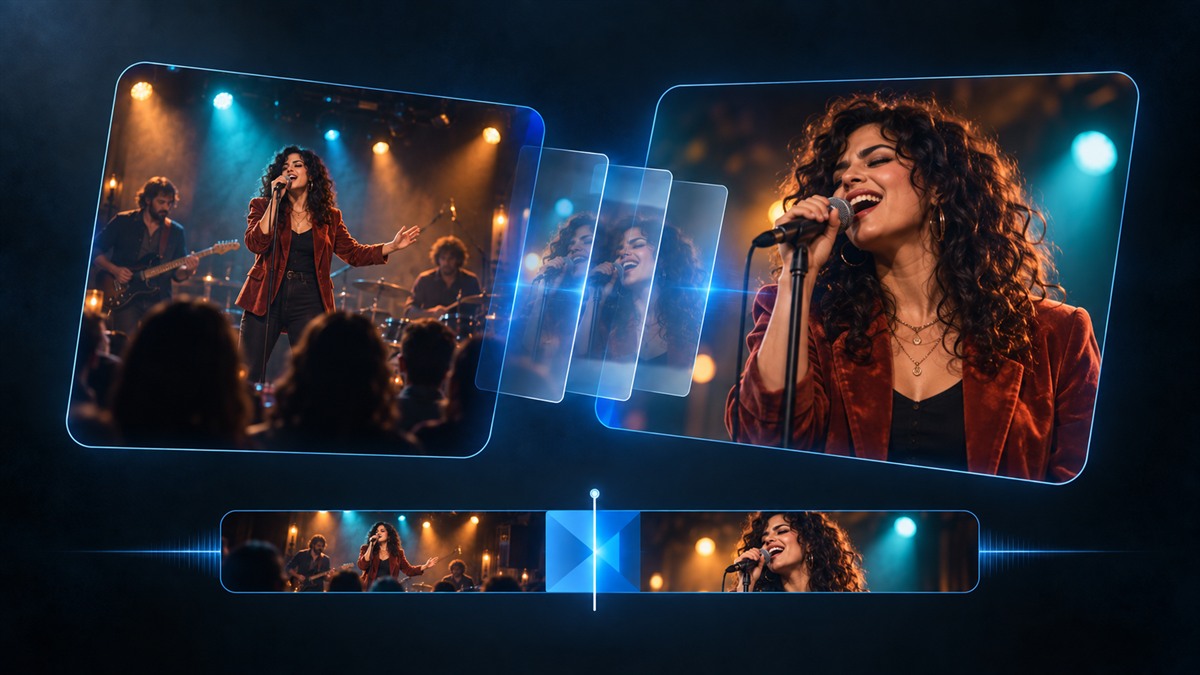
Blend, push, wipe or zoom between clips. Choose from five transitions and adjust the timing to suit the moment.
Five ways to connect your clipsExplore Transitions
Record a screen area as an MP4 and bring it straight into your project. Turn a walkthrough, drawing session or quick tip into your next video.
Capture the action. Add your narration.Explore Video Recording
Adjust brightness, contrast and saturation. Add a colour tint or soften a clip with blur, then combine the effects to find your look.
Your footage, with your finishing touchExplore Color Grading & Blur
Turn your script into narration with English and German voices. Download a voice pack in the app, preview the delivery and add it to your edit.
Local speech generation. Your story.Explore Text to SpeechCREATED ON YOUR COMPUTER
Your video editing and caption generation happen on your PC. No uploading your footage to generate captions. No cloud rendering queue between you and your finished video.
Meet local auto captionsThe planned launch license is a one-time purchase for one active workstation. You keep the purchased major version, including updates within that version. Future major upgrades are optional purchases.
No. Editing, rendering and automatic caption generation run locally on your PC. Future license activation will use an internet connection, but your media is not needed for activation.
ShortsJet is available for Windows 10 and Windows 11 (64-bit), Ubuntu 24.04 LTS (x86-64), and macOS 13 or newer on Apple Silicon (M1 or newer). Check the download page for platform availability.
Yes. Each caption is an editable text clip. You can correct the words and timing individually, and adjust fonts, colours, backgrounds and placement across the caption group.
FIND YOUR NEXT WORKFLOW
Choose a platform or a specific editing task, then follow a practical guide.
YOUR NEXT SHORT STARTS HERE
Drop in your footage and start creating.